
What Is a Court Docket in Wilkin County
A docket is the event log for a court case. In Wilkin County, that means the public record of hearings, motions, continuances, orders, and other case events that show how a District Court matter is moving. It is not the same as the full case file, which can include filings, exhibits, and other documents that may or may not be visible online. For a hearing lookup, the statewide MCRO hearing portal is the most direct search path, and it sits alongside the county calendar pages published by the Minnesota Judicial Branch.
Wilkin County uses the District Court system for local dockets, so there is no separate county-court docket layer to chase. When the docket is the only thing you need, the hearing search is often enough; when you need a filed motion or order, you may need the full court record from Wilkin County Court Administrator Rachel Schmidt.
The hearing-search portal shows the public fields that matter most when a docket needs to be tracked by date or party name. The source page is MCRO Hearing Search.
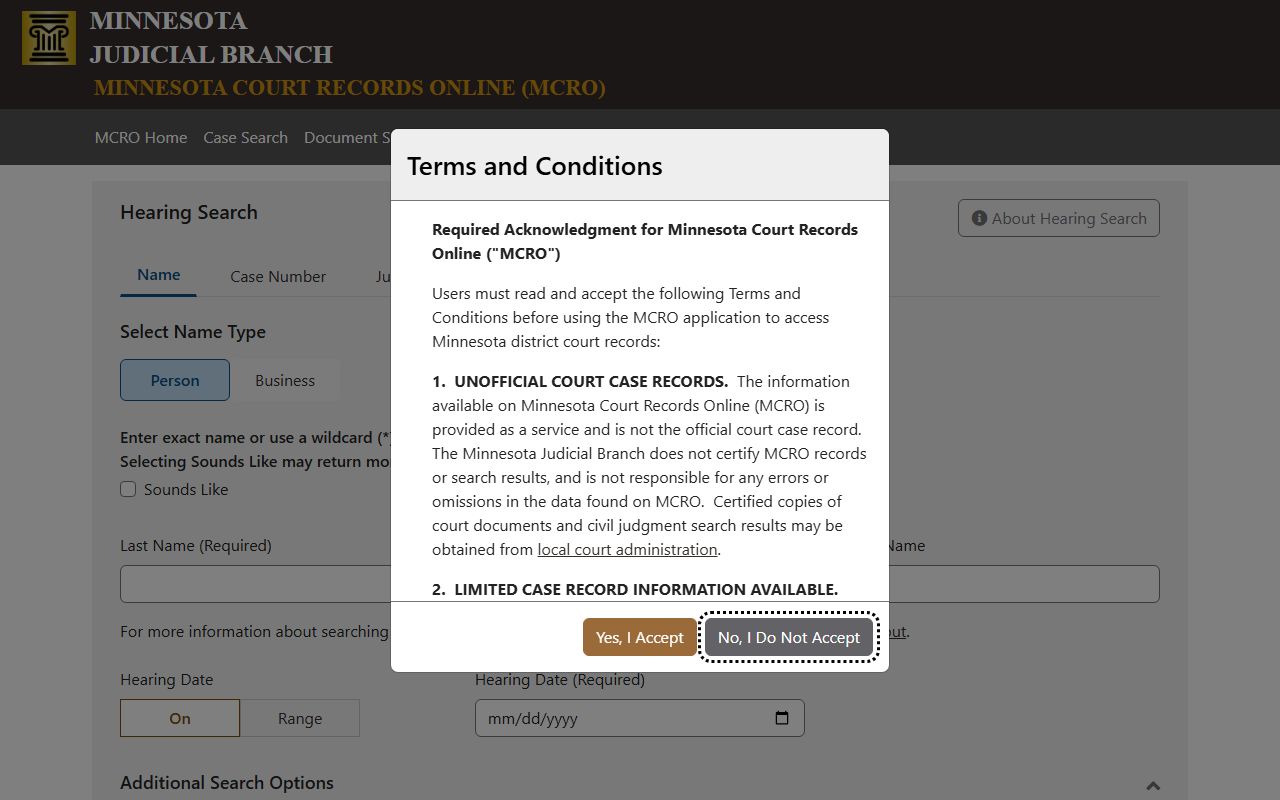
That portal is the cleanest entry point for hearing lookup because it lets you search by name, case number, judicial officer, or attorney information.
How to Find Wilkin County Dockets Online
Use MCRO Hearing Search for the statewide hearing record, then confirm the local calendar on the Eighth Judicial District page. The district calendar page says county calendars are posted at 7:00 a.m. each business day and updated hourly, which makes it the closest thing to a live Wilkin docket feed. The daily public court calendar PDF is also available for the county, but it does not show every matter the court handles. If a docket entry is missing, that usually means the matter is restricted, not that the case disappeared.
- Open MCRO Hearing Search and choose the search tab that matches the information you have.
- Enter a name, case number, judicial officer, or attorney reference, then narrow the results to Wilkin County if needed.
- Check the hearing date, time, and location, then compare the entry with the county calendar.
- If the hearing is not visible online, call Wilkin County Court Administration at 218-517-6020 for the courthouse view.
The county calendar page is the official companion to the hearing search. The source page for the screenshot below is Eighth District county calendars.
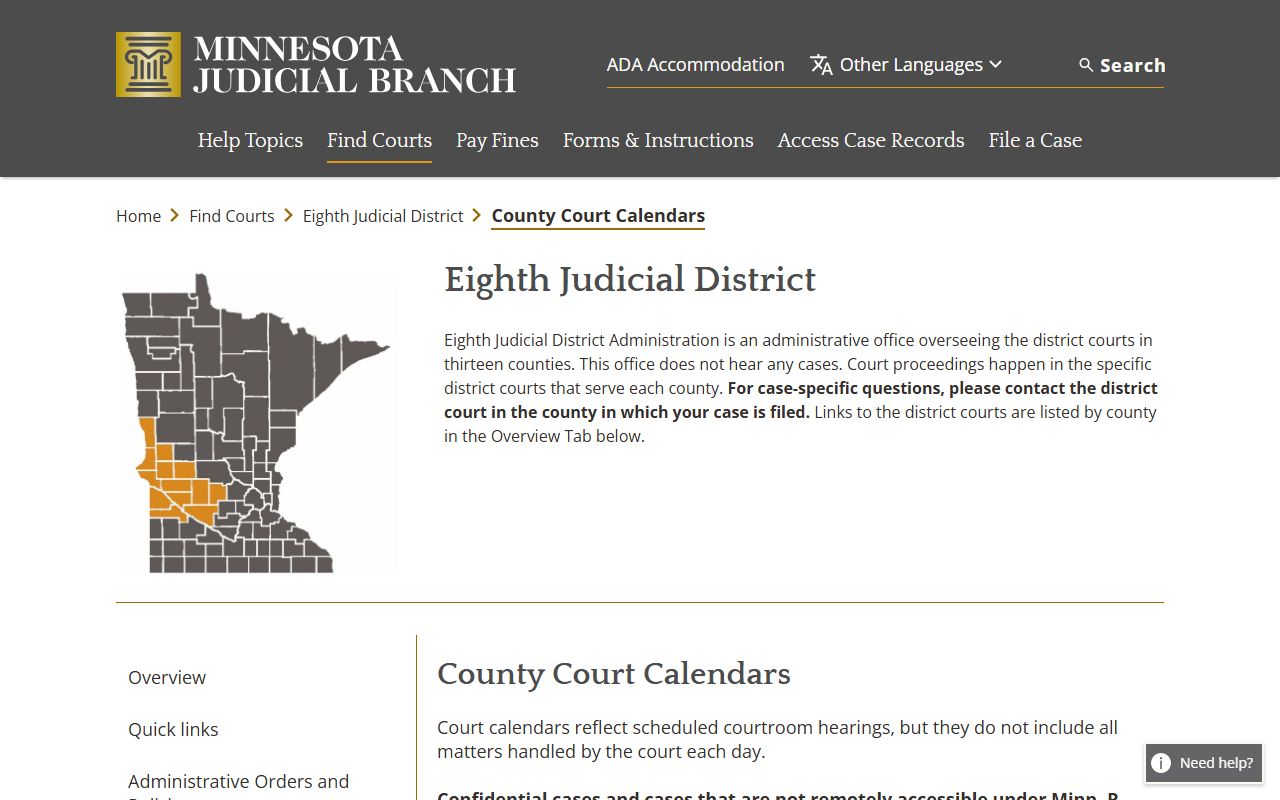
That county-calendar page is useful when you need to confirm the local posting rules or the update timing for a Wilkin hearing.
Sample Wilkin County Docket Entry
A docket entry is usually short, but each line matters. The hearing date tells you when the event is scheduled, the hearing type tells you what kind of event it is, and the judicial officer tells you who is assigned. Connection type matters for remote hearings, and the case number is the anchor that ties the entry back to the full file. If you are checking a civil or criminal matter, the docket will often update before the public document set does.
| Field | What It Shows |
|---|---|
| Entry Date | The date the hearing or event was added to the docket. |
| Event Type | The type of hearing, motion, or court event scheduled. |
| Party Filing | The party or attorney connected to the filing or hearing entry. |
| Document Link | Any linked order, notice, or public filing available through MCRO. |
| Hearing Location | The courtroom, branch, or remote hearing setting for the event. |
| Connection Type | In person, remote, or other connection method shown on the calendar. |
Courts That Publish Dockets in Wilkin County
Wilkin County District Court is the local trial court, so its hearings and dockets are the ones Wilkin users usually need. The Eighth Judicial District administration publishes the county calendars, while MCRO provides the statewide hearing search that can be filtered to Wilkin. There is no separate municipal or justice court identified for Wilkin docket purposes, so traffic, criminal, civil, family, juvenile, and probate hearings all route through the district court system unless a state agency is involved.
- Wilkin County District Court handles local civil, criminal, family, probate, juvenile, and traffic hearings.
- MCRO Hearing Search provides the statewide searchable hearing record for public cases.
- The Eighth Judicial District county calendar page posts the county schedule and explains update timing.
Docket vs. Full Case Record
The docket is the index of activity. The full case record is the larger court file that holds pleadings, motions, orders, judgments, and documents that may not appear in a public calendar. In Wilkin County, the docket is often enough to confirm whether a hearing exists and when it will occur, but not enough to answer every question about the file. That is why MCRO hearing results and the courthouse record together make the best pair for a Wilkin search.
| Docket | Full Case Record | |
|---|---|---|
| Format | List of entries | Full documents |
| Access | Often online and free | May require courthouse access or copy fees |
| Use | Track case progress and hearing dates | Read filings, orders, and certified records |
How to Read a Wilkin County Docket
Most docket entries use the same handful of labels: filing date, hearing date, hearing time, judicial officer, hearing type, and location. When a case is remote, the connection type may also appear. A case number such as 84-CR-25-2471 is the key that ties the docket to the file, and the case category tells you whether the matter is civil, criminal, family, probate, juvenile, or traffic. If the calendar leaves out a case you expected to see, the official court guidance is to verify it with Court Administration rather than assume the hearing was canceled.
For a county-specific view, keep three local pages in your search stack: Wilkin County District Court, the county calendars page, and the Wilkin daily calendar PDF.